Online booking and calendar
Give customers a booking page that only offers times you can actually take. New bookings land on the shared calendar with the right service, vehicle and deposit.
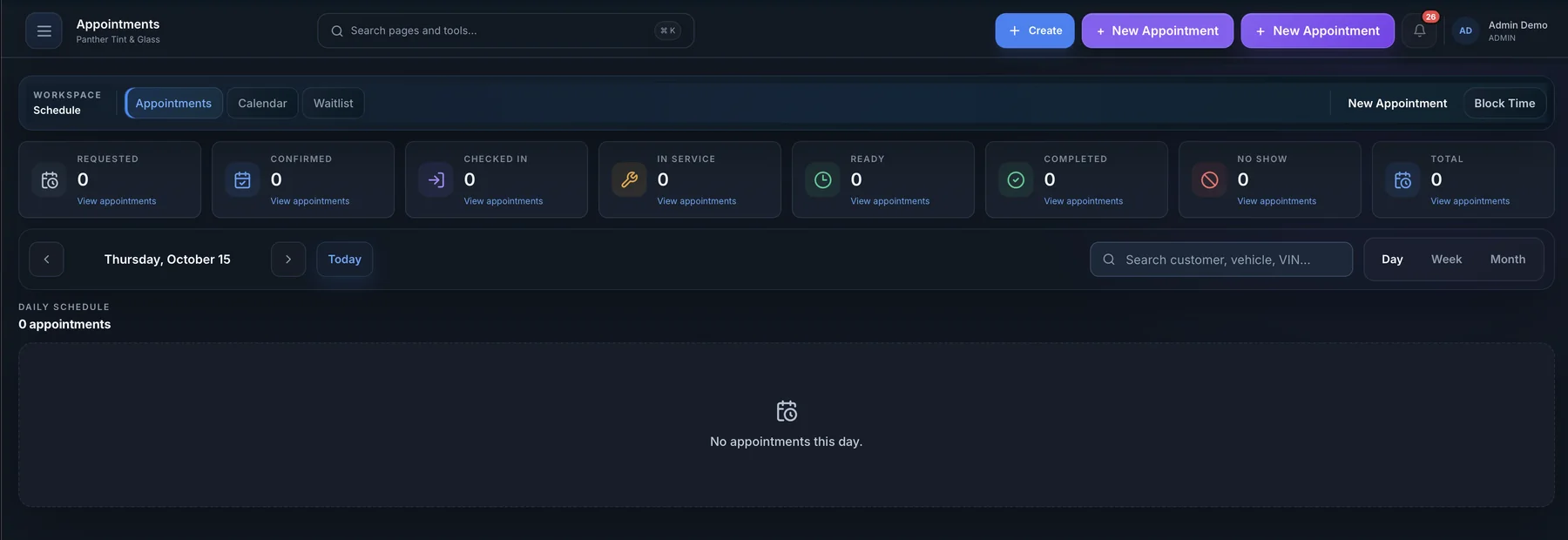
What you can do
Booking page
Your services, add-ons and live availability on one link.
Shared calendar
Day, week and team views of every appointment.
Reminders
Automatic appointment reminders by email or text.
Self check-in
A tablet kiosk customers use to check in on arrival.
Booking deposits
Ask for a deposit to hold larger appointments.
Discount codes
Run promotions customers can apply when they book.
Bays and rooms
Book work into a specific bay, booth or room.
How it works
Customer picks a time
They choose a service, add-ons and an open slot on your booking page.
It lands on the calendar
The appointment appears with the vehicle, service and any deposit attached.
Reminder and check-in
A reminder goes out before the visit, and the customer checks in on the tablet.
Great for
- Window tinting
- Detailing
- Ceramic coating
- Auto glass
See how AUTOSMAI fits your specialty on the industries page.
Works together with
Try Booking free for 60 days
Every feature in your plan is unlocked during the trial. No credit card required.