Features
Every tool your shop runs on, connected.
From the first phone call to the final invoice, AUTOSMAI keeps the customer, the vehicle and the job together. Choose a feature to see everything it does.
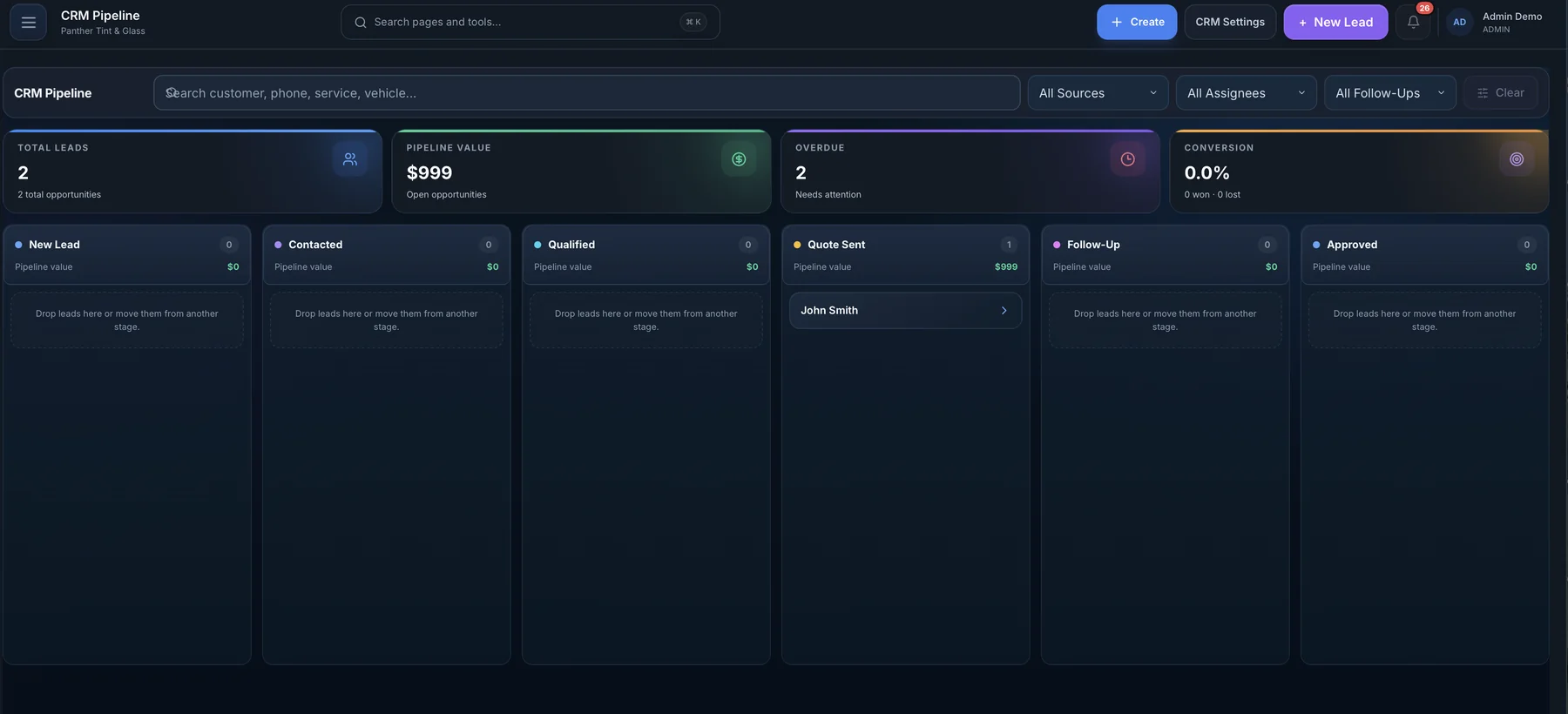
CRM and customer profiles
Leads, customers and their vehicles live in one place. See every quote, job, payment, warranty and message for a customer on a single profile.
Customer profiles
Contact details, vehicles, visit history and notes together.
Sales pipeline
Move leads through your own stages and see what's stalled.
Lead sources
Know which ads, referrals and channels bring paying jobs.
Follow-ups
Assigned reminders so no quote goes cold.
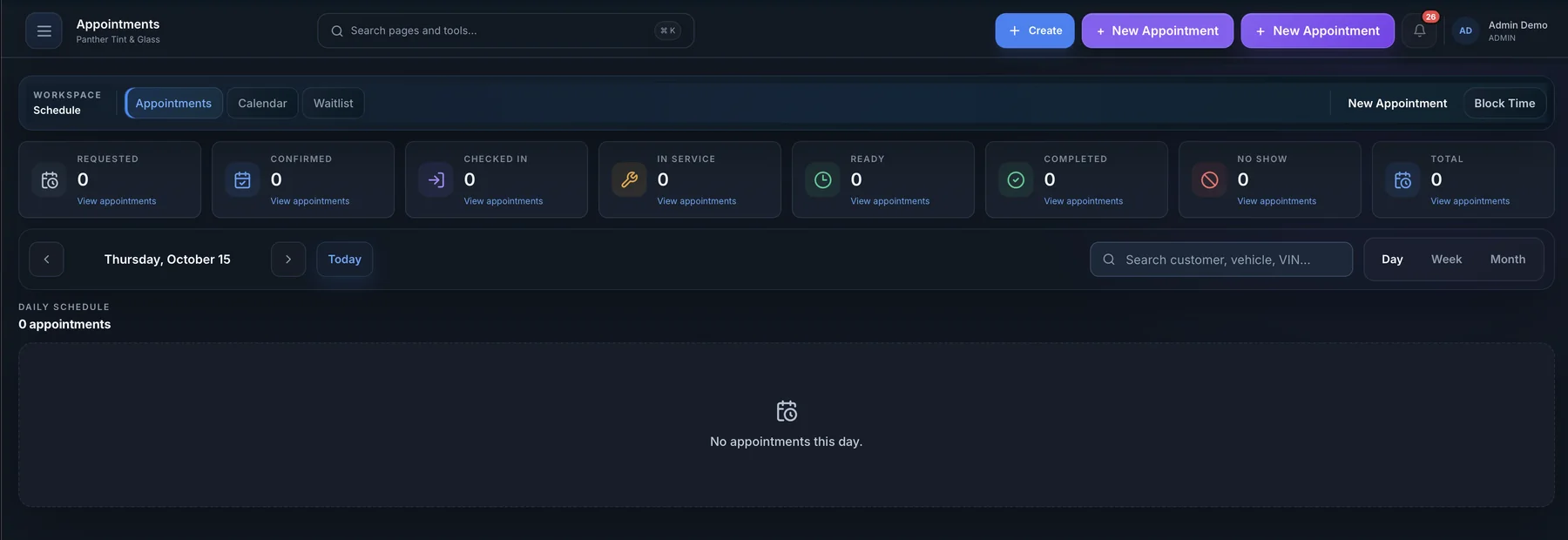
Online booking and calendar
Give customers a booking page that only offers times you can actually take. New bookings land on the shared calendar with the right service, vehicle and deposit.
Booking page
Your services, add-ons and live availability on one link.
Shared calendar
Day, week and team views of every appointment.
Reminders
Automatic appointment reminders by email or text.
Self check-in
A tablet kiosk customers use to check in on arrival.
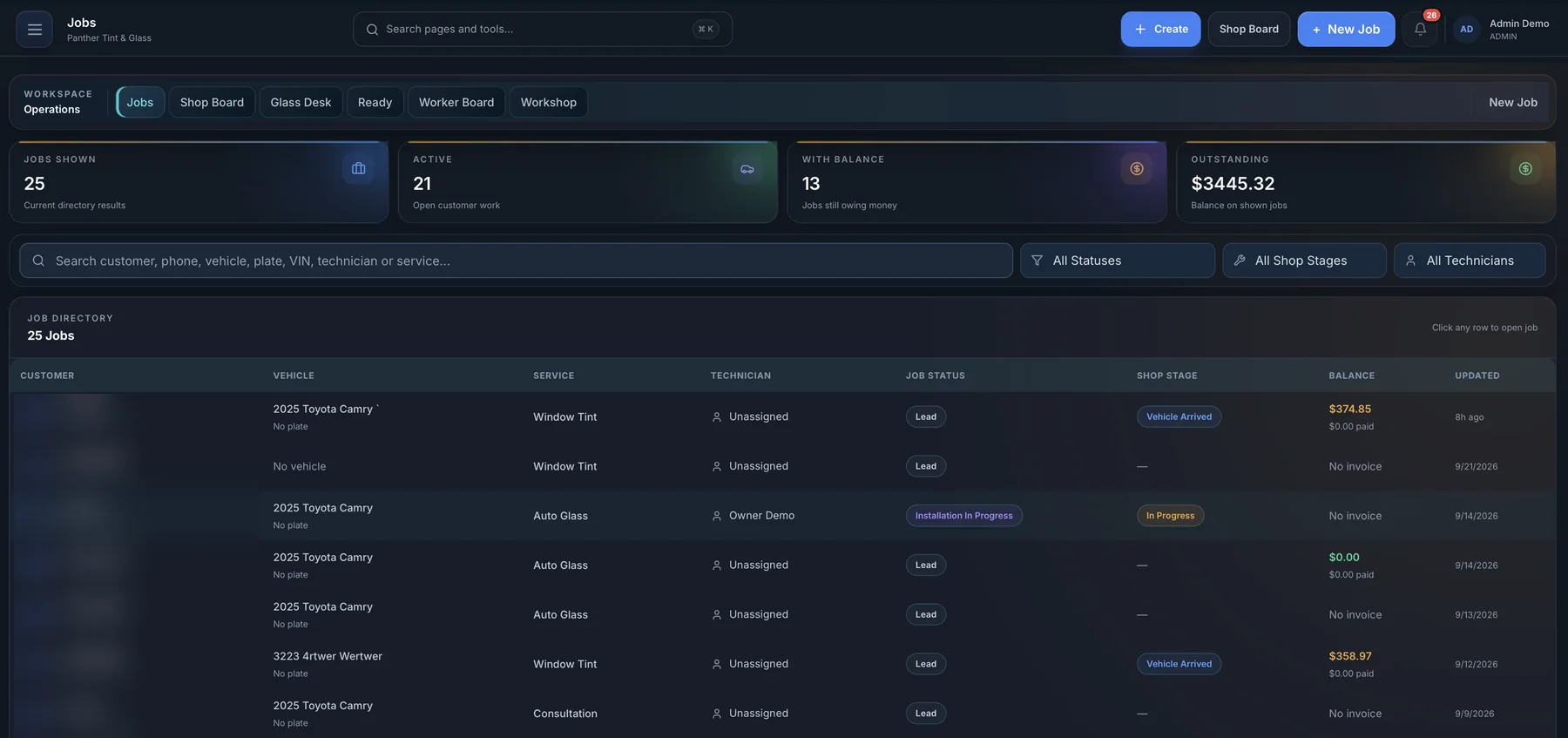
Job management and shop board
Every car gets a job card that follows it from check-in to pickup. The shop board shows what's waiting, in progress and ready, so nobody has to walk the floor to find out.
Job stages
Check-in, work, quality review, ready and picked up.
Photos & documents
Before-and-after photos and paperwork on the job.
Vehicle records
VIN, year, make, model and past work per vehicle.
Warranties & claims
Issue warranties and track claims against past jobs.
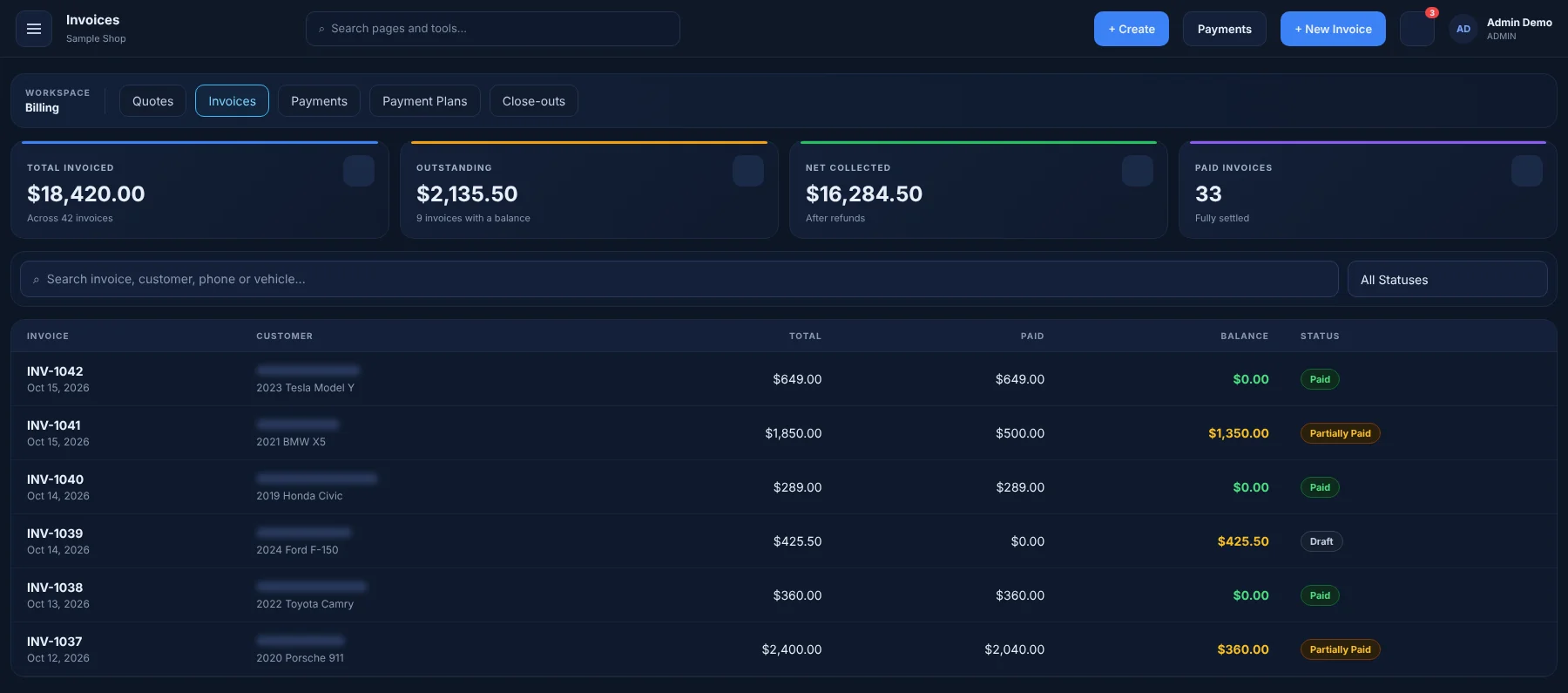
Estimates, invoices and payments
Turn a quote into a job and the job into an invoice without re-typing a line. Record payments, deposits and refunds, and send professional receipts.
Estimates
Itemized quotes built from your service menu.
Invoices & receipts
Taxes calculated your way, receipts in one click.
Payments
Record cash, card and transfer payments, deposits and refunds.
Payment plans
Split larger jobs into scheduled installments.
Online card processing depends on the payment provider you connect.
Employees and time tracking
Give every person the right access with roles and permissions. Installers see their own work; managers see the whole shop.
Roles & permissions
Admin, manager, sales, installer and finance roles out of the box.
Time clock
Clock in and out, with hours ready for payroll.
Team schedule
Shifts and time off alongside appointments.
My work
A focused task list for each technician.
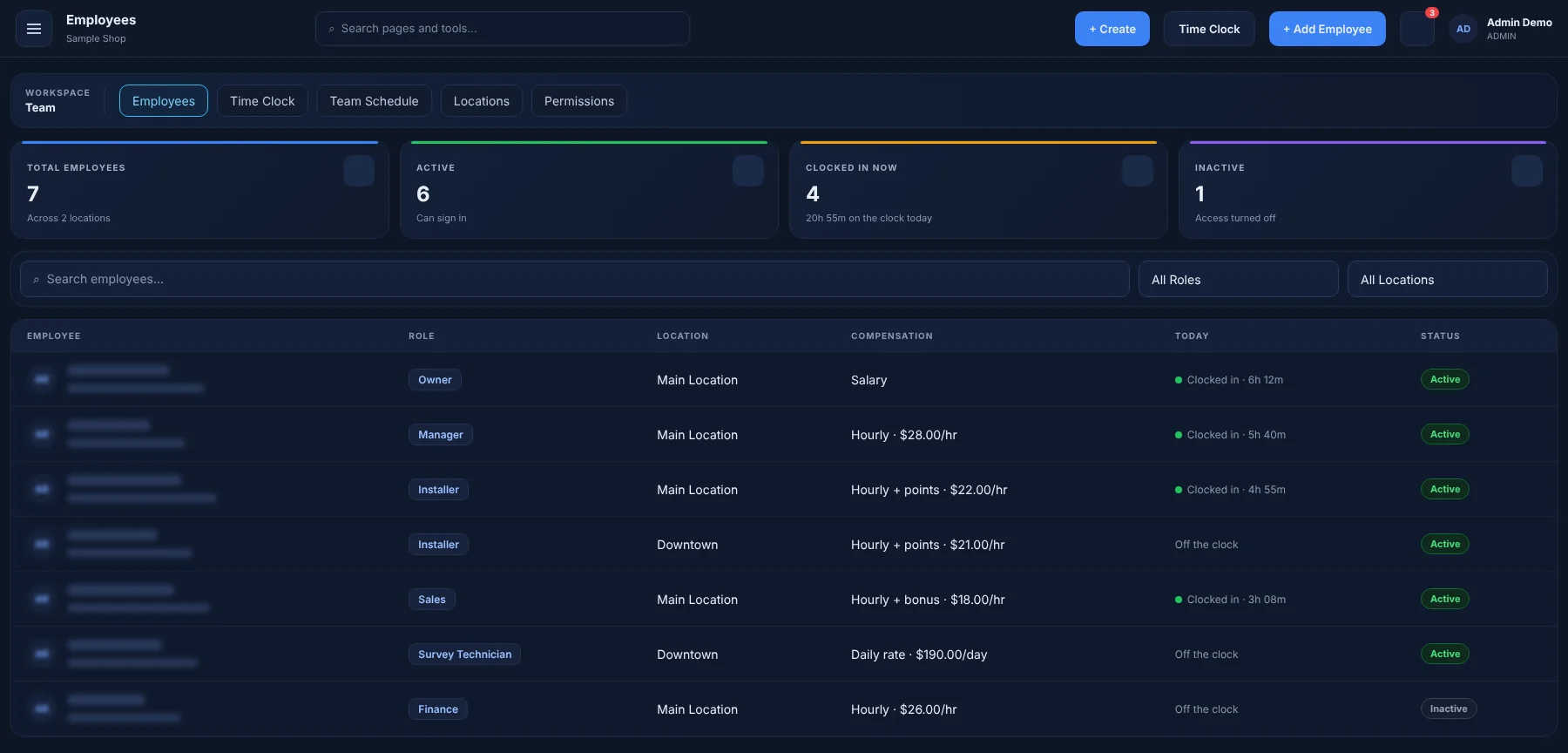
Inventory
Track film rolls, glass, coatings and retail products. Stock moves when jobs use it, so reorder decisions aren't guesses.
Products & stock
Quantities, costs and locations for every item.
Transactions
A history of what came in, went out and why.
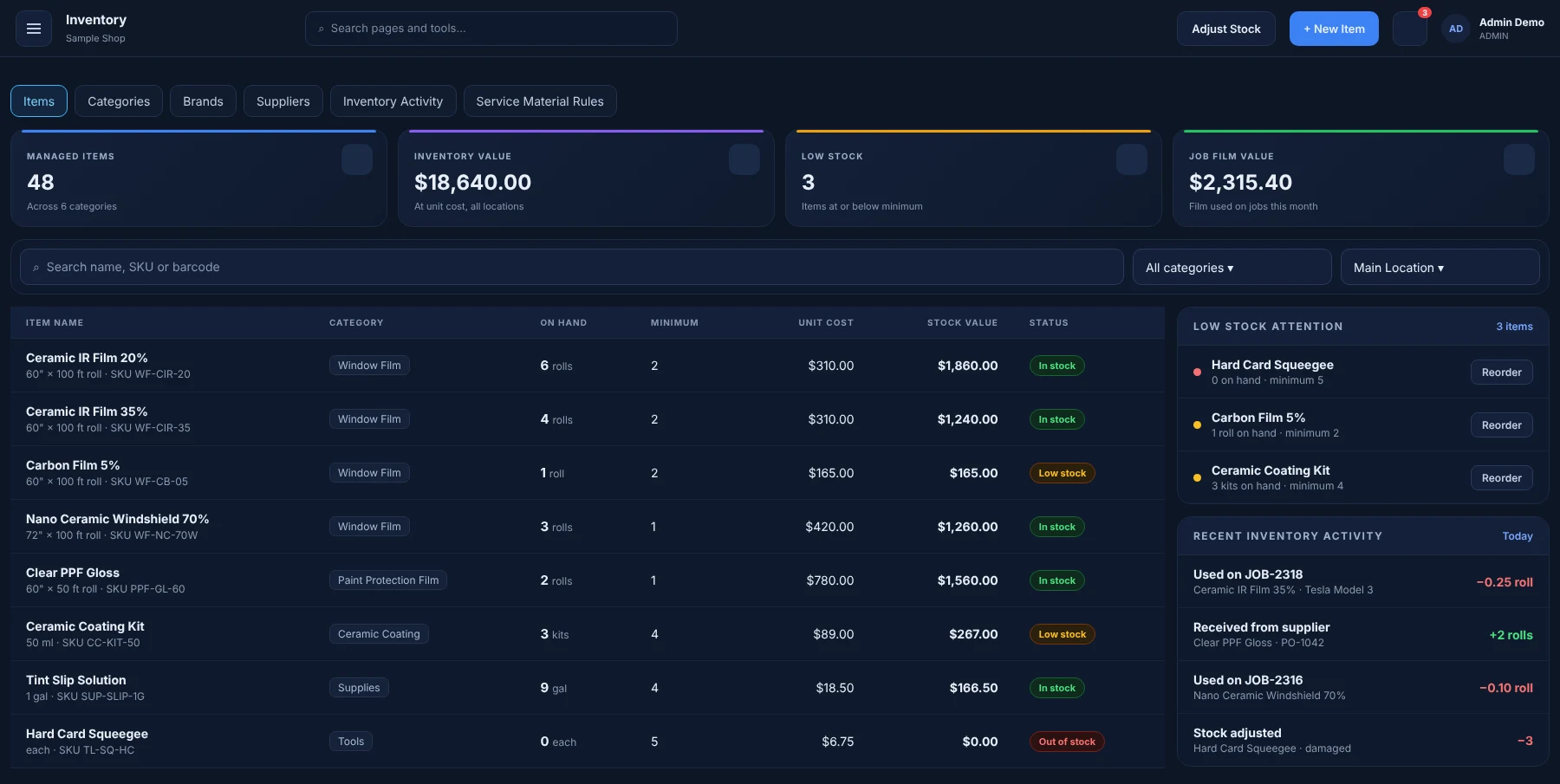
Reporting and analytics
Revenue, job volume, technician output, expenses and insurance aging — calculated from the work you already record.
Business reports
Sales, services and lead-source performance.
Expenses
Log expenses and scan receipts against your income.
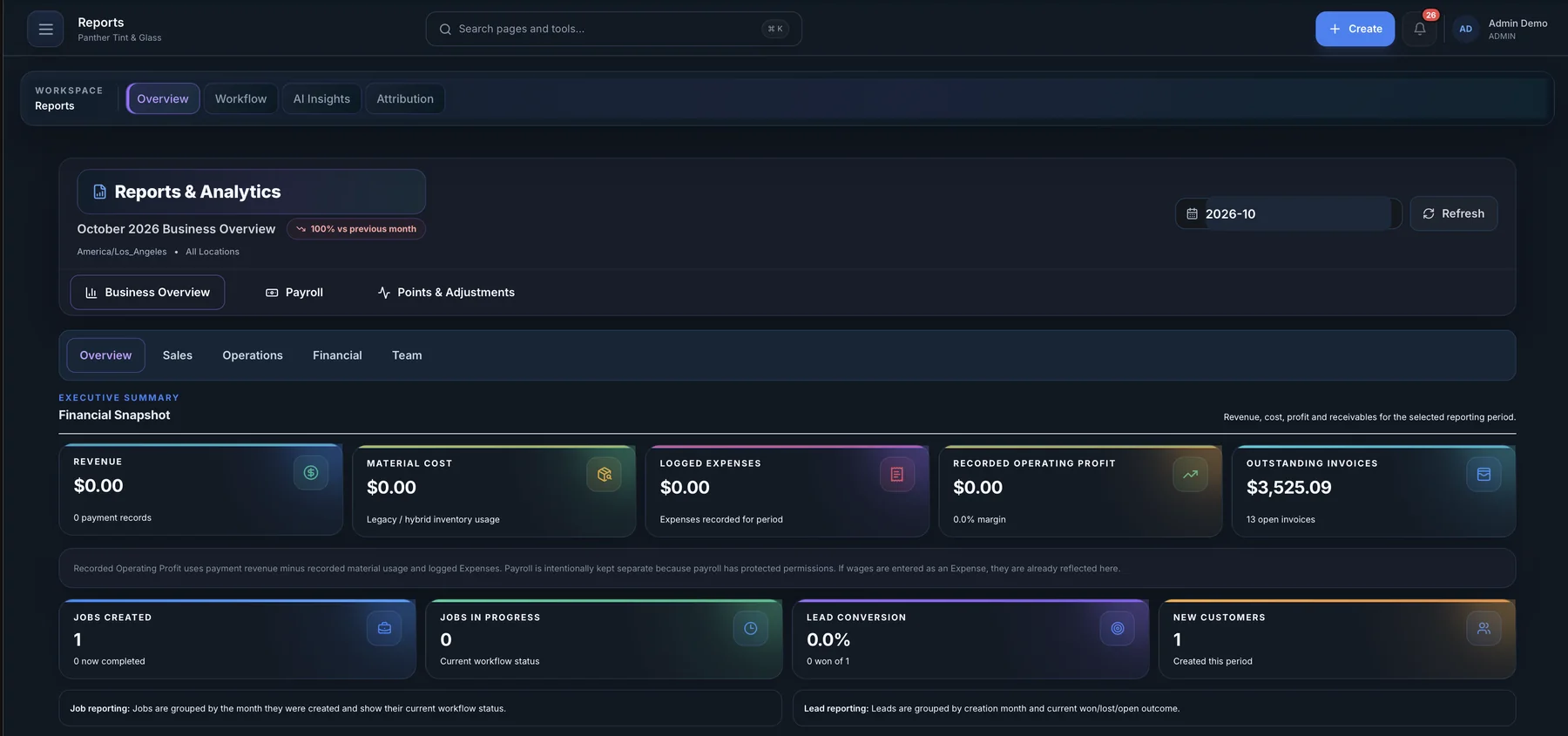
AI receptionist and SMS
Answer more calls and keep every conversation with a customer in one inbox. The AI receptionist uses your real services and availability and only books after the caller confirms.
AI receptionist
Answers questions and books confirmed appointments.
Call log
Review every call the receptionist handled.
Two-way SMS
Text customers from the shop's number.
Unified inbox
Messages from customers in one shared inbox.
AI phone and SMS features require connecting a phone/messaging provider. Carrier and usage fees may apply.
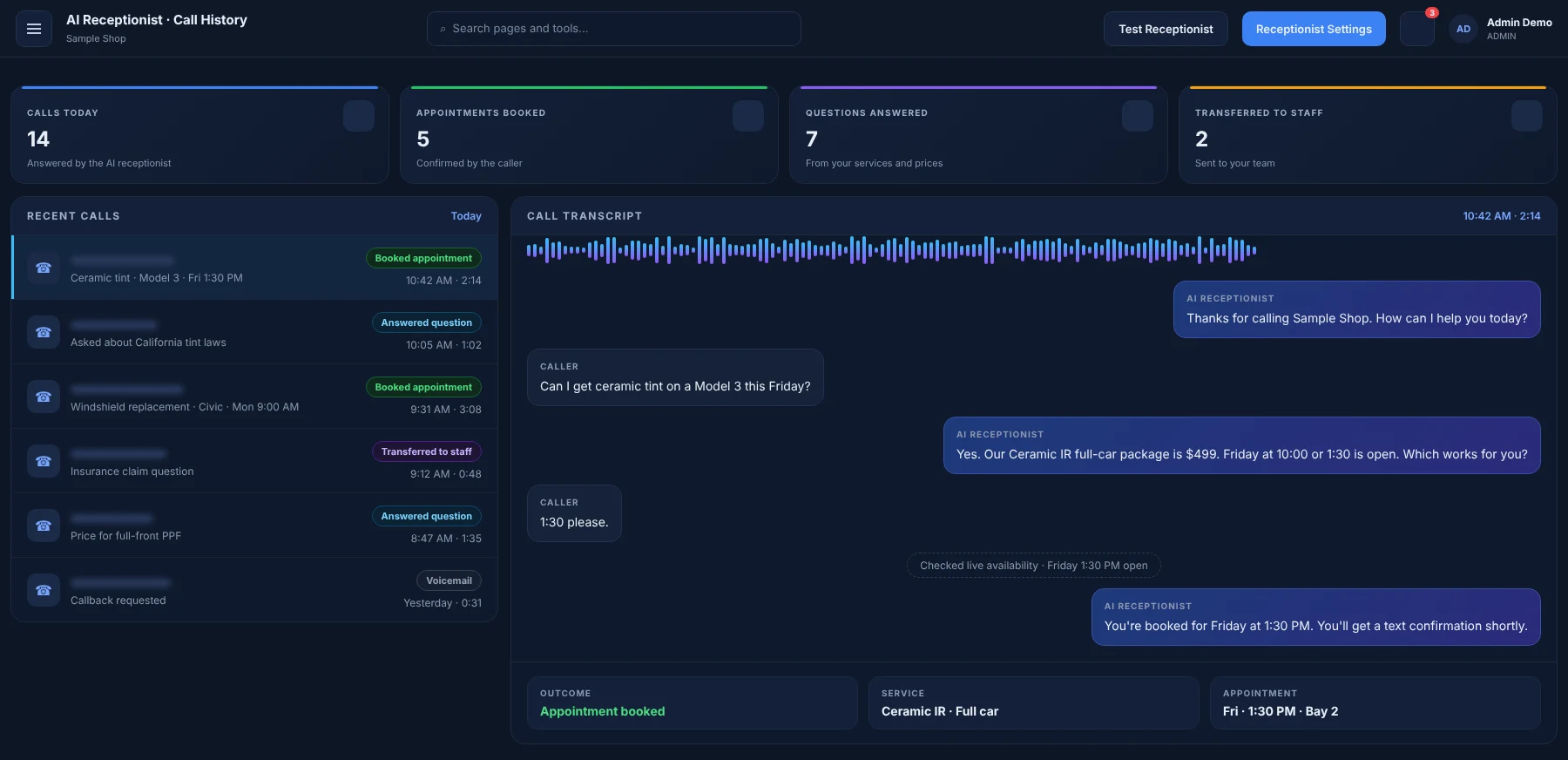
Multi-location management
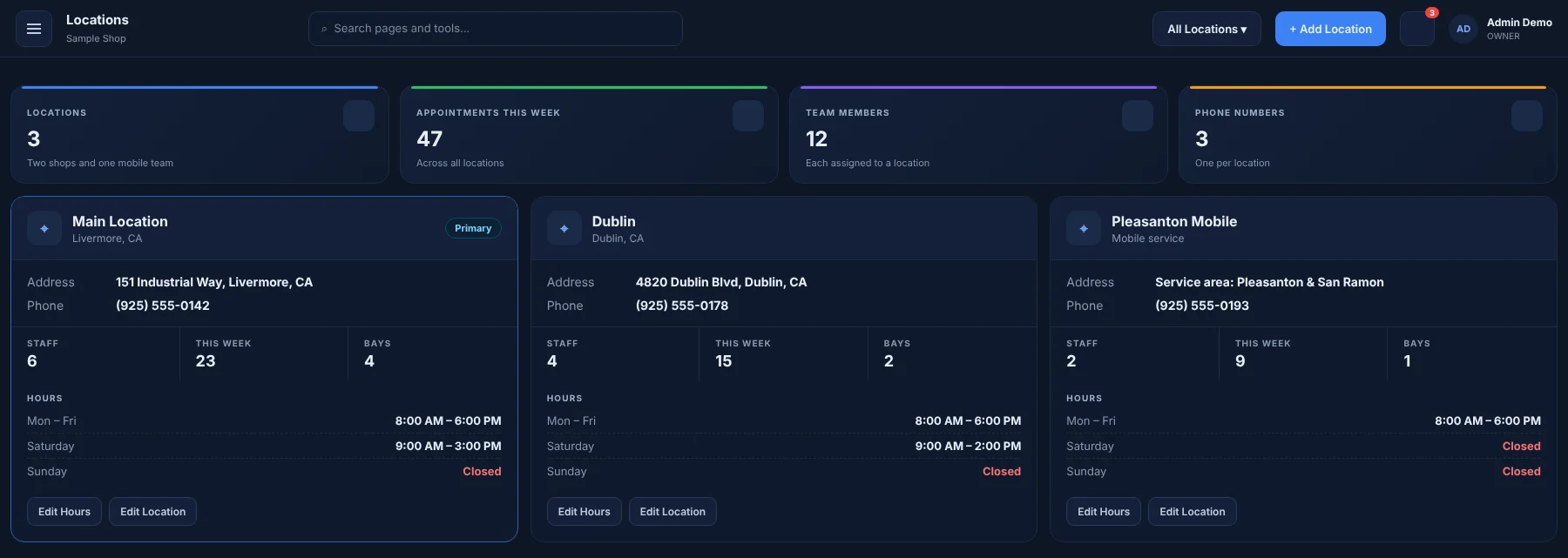
Run several branches from one account. Each location keeps its own staff, calendar and phone number while Admins see the combined picture.
Per-location data
Appointments, staff and numbers scoped to each branch.
Admin overview
Switch branches or view the whole business.
Try every feature for 60 days
All features in your plan are unlocked during the trial. No credit card required.