Estimates, invoices and payments
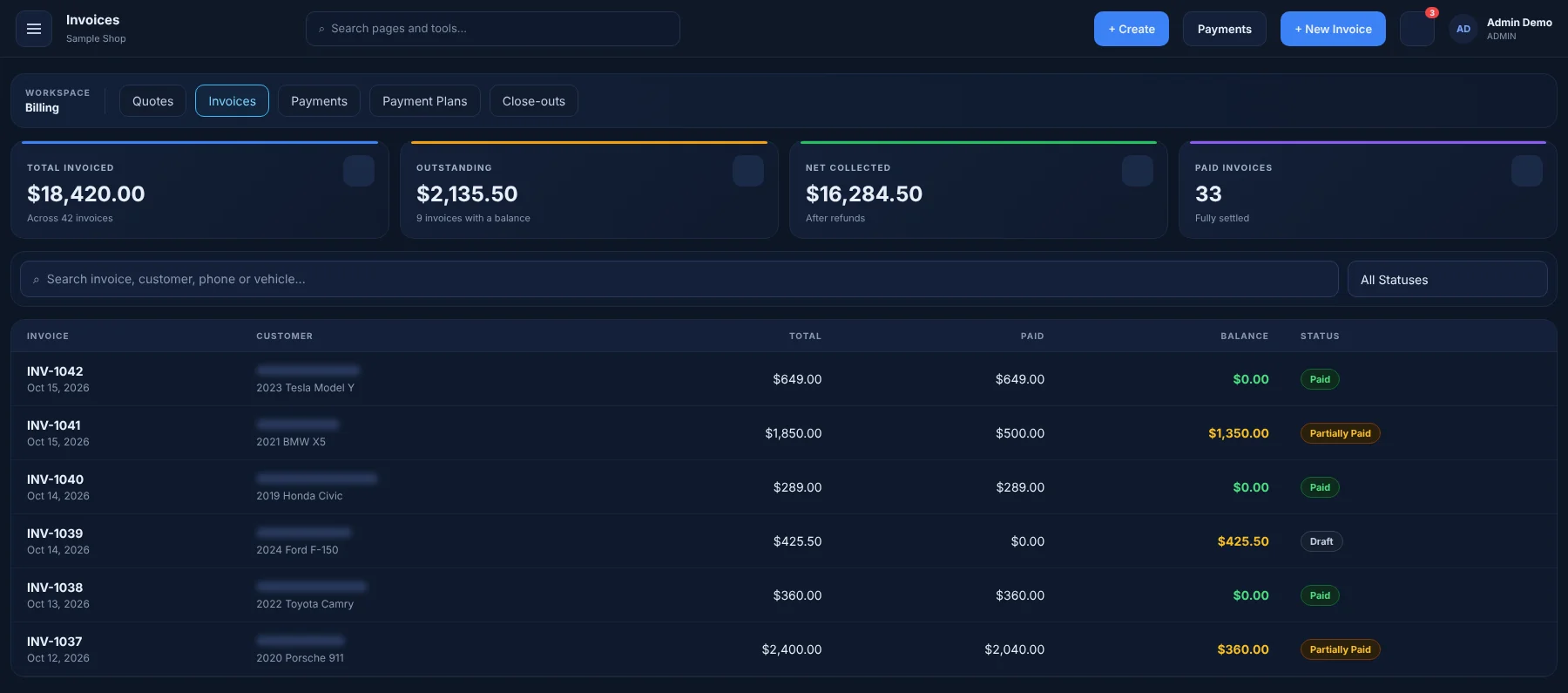
Turn a quote into a job and the job into an invoice without re-typing a line. Record payments, deposits and refunds, and send professional receipts.
What you can do
Estimates
Itemized quotes built from your service menu.
Invoices & receipts
Taxes calculated your way, receipts in one click.
Payments
Record cash, card and transfer payments, deposits and refunds.
Payment plans
Split larger jobs into scheduled installments.
Daily close-out
Balance the day's payments at closing time.
Discounts
Apply discount codes and promotions on the invoice.
Insurance claims
Auto glass claim packets, payers and aging.
Online card processing depends on the payment provider you connect.
How it works
Send the estimate
Pick services and packages; the quote prices itself from your menu.
Convert to an invoice
When the job is done, the invoice carries over every line item.
Take payment
Record how the customer paid and send the receipt.
Works together with
Try Billing free for 60 days
Every feature in your plan is unlocked during the trial. No credit card required.